
Dashboard
The RobustMQ Dashboard is the Web Console included in full binary packages. It provides views for the cluster, nodes, MQTT clients, topics, subscriptions, ACLs, connectors, and runtime metrics. The console uses the RobustMQ Admin HTTP API.
Dashboard Screenshots
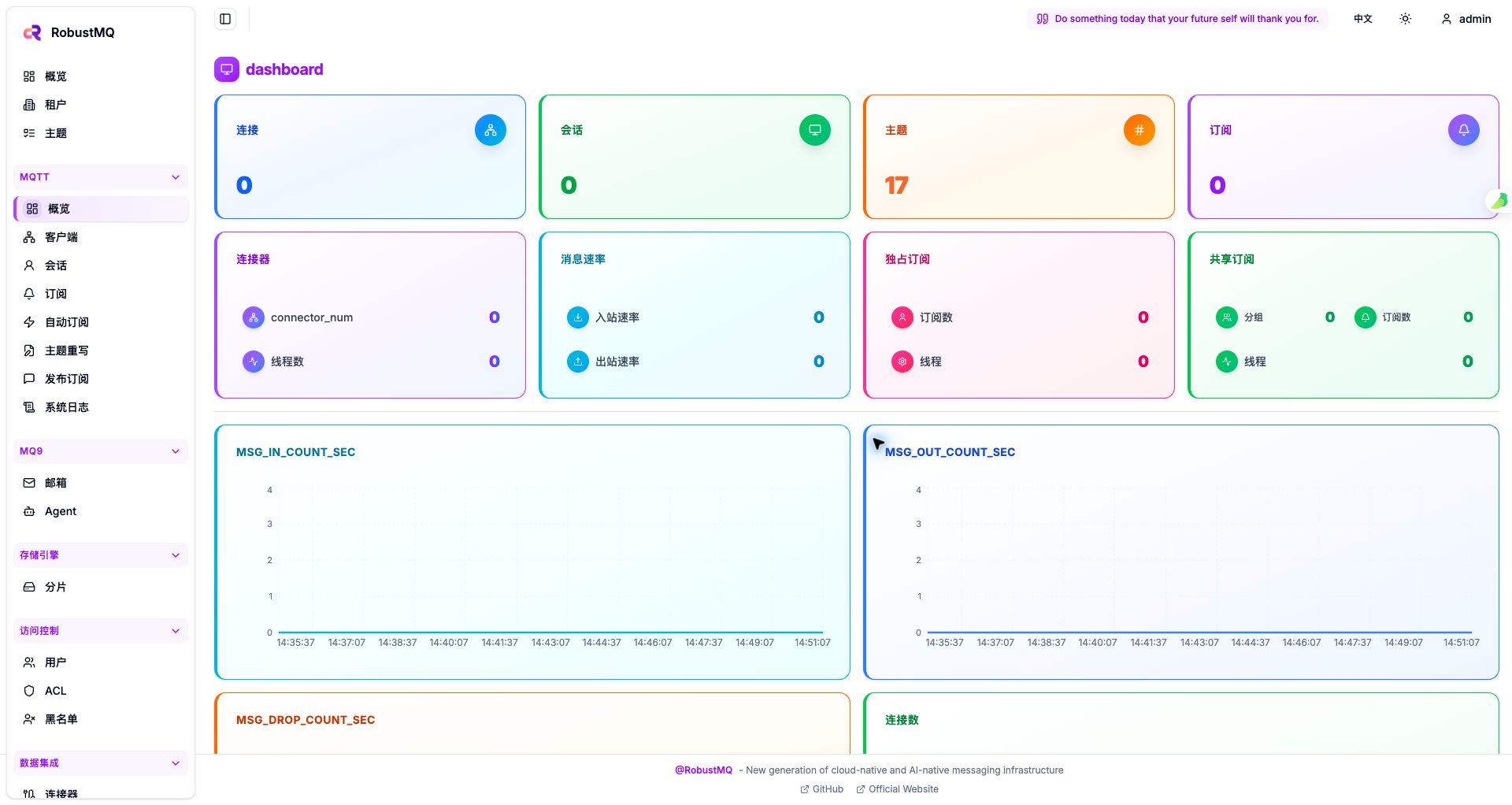
The MQTT overview shows connection, session, topic, subscription, and message-rate metrics:
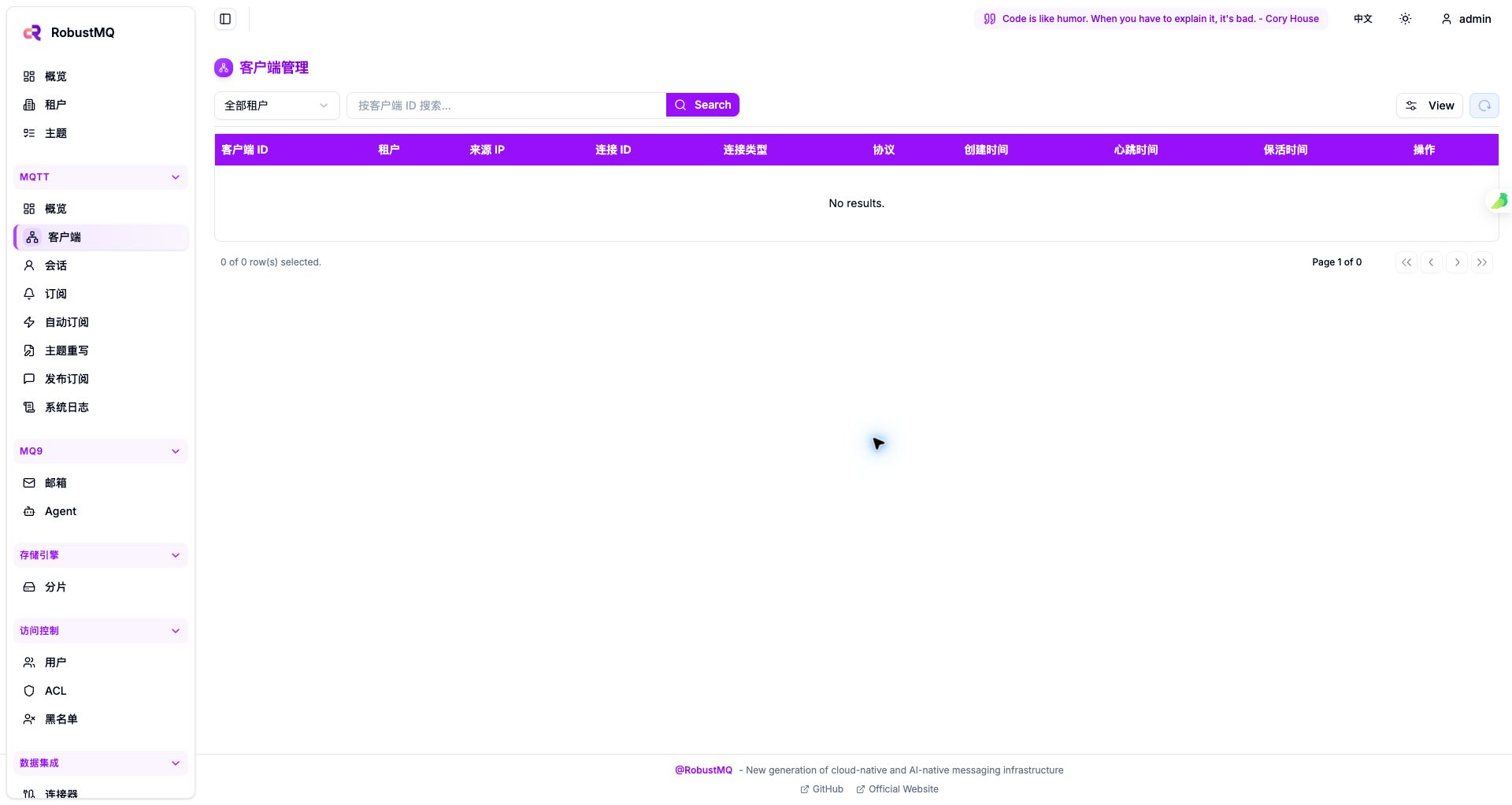
The client management page provides tenant filtering, client ID search, and connection details:
Open the packaged console
Only a package containing dist/ serves the Web Console. Build, extract, and start a full package:
make build-full
tar -xzf build/robustmq-0.4.11-darwin-arm64.tar.gz
cd robustmq-0.4.11-darwin-arm64
./bin/robust-server start
Open:
http://127.0.0.1:58080/The default login is read from the admin section in config/server.toml. A development or test configuration commonly uses:
Username: admin
Password: admin
Change the password and JWT secret before using the console in production.
At startup, the wrapper reads http_port and writes the runtime API configuration to dist/config.js. Changing the Admin HTTP port therefore does not require rebuilding the frontend. The console uses the configured port on the current page hostname for backend requests.
Develop the frontend and backend separately
Start the RobustMQ backend first, then run the frontend development server:
# Terminal 1: RobustMQ backend
cargo run --package cmd --bin broker-server -- --conf=config/server.toml

# Terminal 2: Web Console
git clone https://github.com/robustmq/robustmq-copilot.git
cd robustmq-copilot
pnpm install
ROBUSTMQ_API_PORT=58080 pnpm ui:dev
The development page runs at http://127.0.0.1:4000/ by default. For a backend on another host, set the complete URL:
ROBUSTMQ_API_URL=http://192.168.1.10:58080 pnpm ui:devROBUSTMQ_API_URL takes precedence over ROBUSTMQ_API_PORT. Admin HTTP enables CORS, so no extra development proxy is required.
Verify the connection
curl -i http://127.0.0.1:58080/health/ready
curl -i http://127.0.0.1:58080/
/health/ready should return HTTP 200, and / should return text/html. After login, the console automatically sends the bearer token returned by Admin HTTP with protected API requests.
If / returns 404, the usual causes are an API-only package built with make build, or starting the process from a directory other than the package root containing dist/. The health and API routes may still work. Use make build-full and run robust-server start from the full package root when the Web Console is required.
Stop the service
./bin/robust-server stopFurther documentation
- [ ] Page structure and navigation
- [ ] Common operational entry points
- [ ] Typical usage workflows